Widget-first
Photos arrive on the home screen, in a widget, rather than inside an app someone has to remember to open.
 Circle
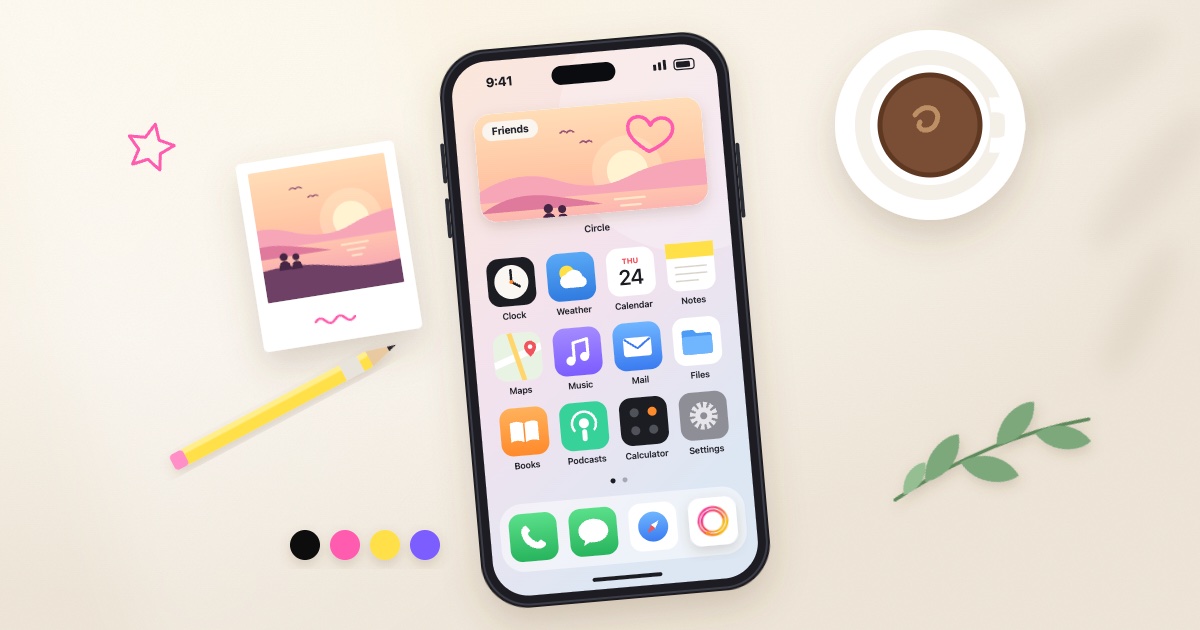
Take a photo or draw a doodle, pick one of your private rooms, and it appears in the Circle widget on the home screens of the people in it.
Free to start. Nobody you invite ever pays.
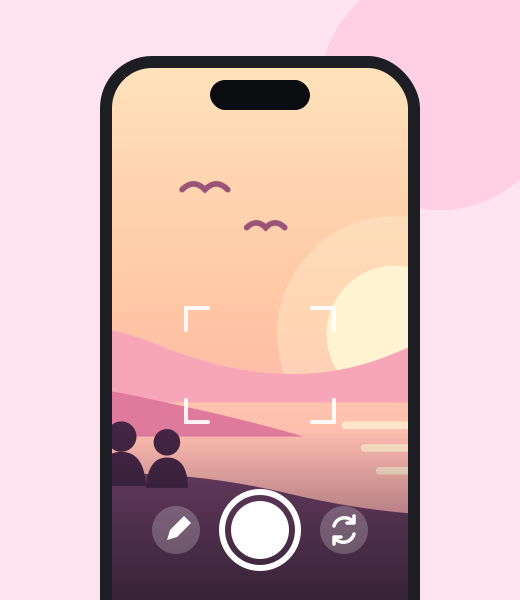
Circle opens straight into the camera. The camera is the home screen of the app, so there is nothing to scroll past first. Take a photo, or switch to a blank page and draw a doodle.
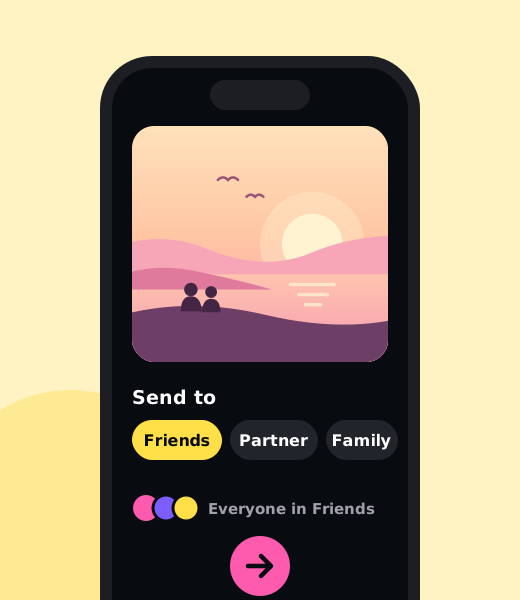
Then choose where it goes: one of your rooms, to everyone in it, or to one person who is already in that room.
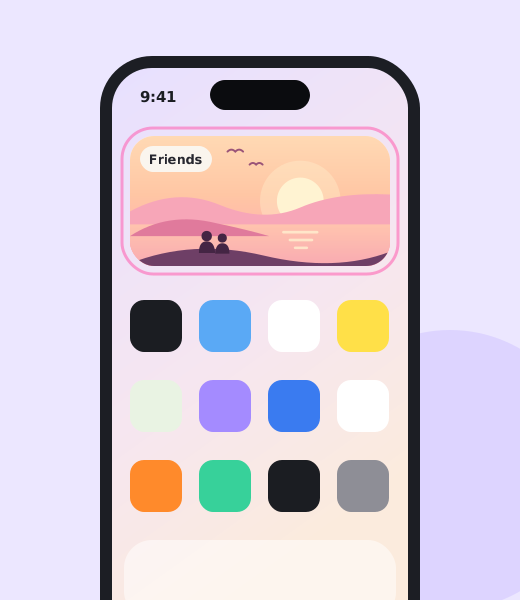
Send it, and close the app. The photo appears in the Circle widget on their home screen, where they will see it the next time they pick up their phone.
That is the whole loop. Circle is not a social network, a feed app or a chat app. It is a short way to put a picture in front of a few people.
Open→Capture→Choose→Send→Close
A room is a small, private, invite-only group. It is the only way people reach each other in Circle. People only exist for each other if they share a room.
There is no global friends list and no contact scraping. A code is the only way in.
Someone outside a room cannot see anything in it, and does not appear anywhere in the app.
Each room has its own widget tile on your home screen. Free includes one widget; Plus gives every room its own.
Send to everyone in the room by default, or directly to one person who is already in it.
Most people have a few: Partner, Friends, Family. “Partner” is just what people call a two-person room, not a separate product.
There is a feed, and it stays small. It only merges the rooms you are already in, newest first. It is never ranked, and every card names the room it came from.
Reactions and comments stay in the room. They exist, but only the people in that room can see them.
Photos arrive on the home screen, in a widget, rather than inside an app someone has to remember to open.
No public profile, no discovery, no Explore, no searching for people. Rooms are invite-only, and membership is the boundary.
What you send and receive is saved on your phone. The cloud copy that feeds the widget is deleted after 30 days.
No like counts, no streaks, no followers, no leaderboards, no ranking. There is no number attached to anyone.
Not every moment is a photo. Draw something instead, and send it the same way.
Enough to know it arrived, and nothing more.
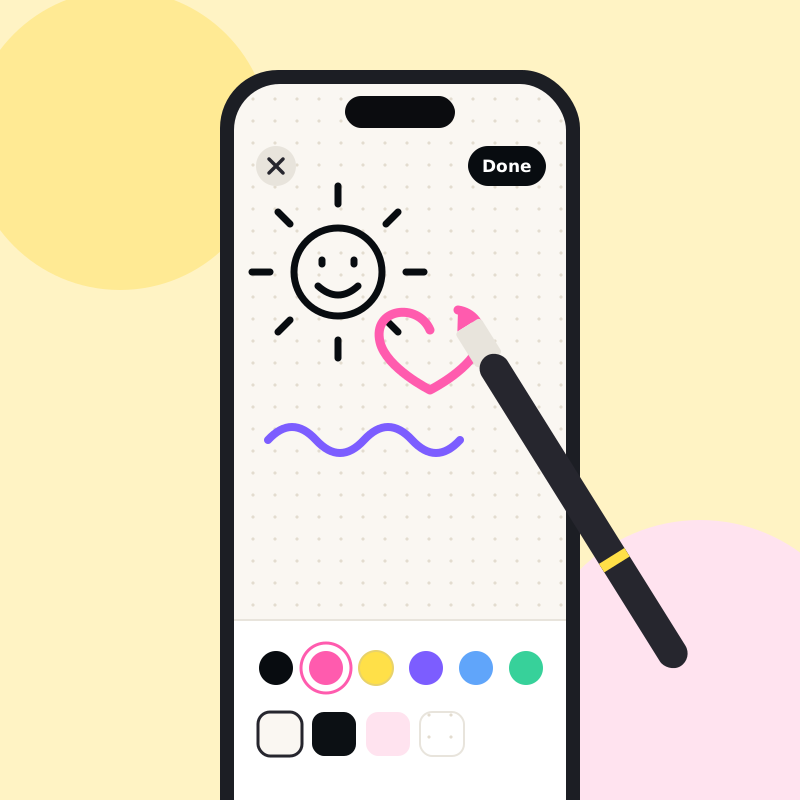
Switch from the camera to a blank page and draw. A doodle goes through the same loop as a photo: pick a room, send, and it appears on their home screen.
Plus adds extra inks and papers.
Circle uses the cloud to get a photo from your phone to theirs. Keeping it is your phone’s job.
Photos you send and photos you receive are saved on your phone. What you keep, and for how long, is up to you.
The copy that feeds the widget is deleted from the cloud after 30 days. The photo on your device stays.
Members get a 30-day grace period to save what they want before the room is gone.
This website runs no scripts, sets no cookies and uses no analytics.
Circle leaves out a lot of what photo sharing usually comes with. Here is what it does instead.
| Topic | Circle | Instead of |
|---|---|---|
| Who can see it | Only the people in a closed room | A public profile anyone can find |
| Where it shows up | A widget on their home screen | A feed you scroll through |
| Order | Newest first, never ranked | An order chosen for you |
| Response | Reactions and comments, inside the room | Like counts, streaks and follower numbers |
| Size | Small rooms by design: 3 people, or 5 in rooms you host with Plus | An audience with no ceiling |
| Your archive | On your own device | Only on a server somewhere |
Plus is an upgrade to your app, not a tax on the group.
A complete app for a tiny closed group.
More widgets, more looks, bigger rooms.
Saves about 16%
Saves about 49%
Savings are against paying monthly. Prices are charged by the app store in your local currency. Other regions are priced locally, and the store shows the real price before you pay.
Anyone you invite joins free and never sees a paywall, and every widget updates just as fast either way. Seats follow the host: if you have Plus, the rooms you host have 5 seats for everyone in them.
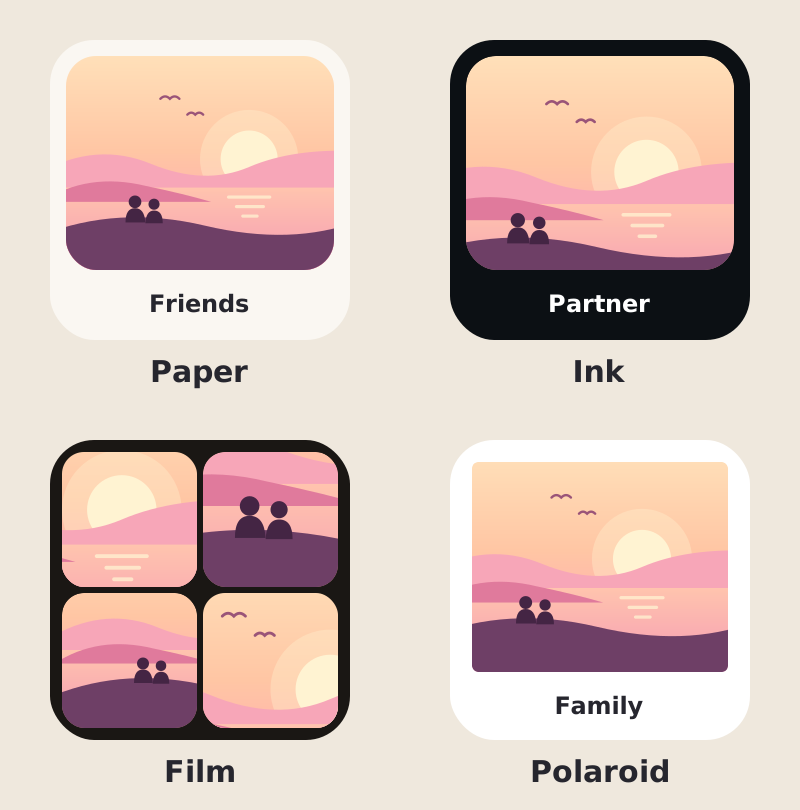
Paper is warm white, like the app. Ink is near-black and quiet. Film puts rounded frames between thin gaps. Polaroid has a white border with the caption below.
Free widgets use Paper.
Every room has a 6-letter invite code. Give it to the person you want in the room; they enter it in Circle to join. There is no friends list and Circle never looks through your contacts, so a code is the only way in.
No. There is no public profile, no search, no discovery and no Explore. Someone outside a room cannot see anything in it and does not appear anywhere in your app. People only exist for each other if they share a room.
No. Plus is an upgrade to your own app. Anyone you invite joins free and never sees a paywall, and every widget updates just as fast whether or not anyone has Plus. If you host a room with Plus, it has 5 seats for everyone in it.
On your device. Photos you send and receive are saved on your phone. A copy goes through the cloud so it can reach the widget on other people’s phones, and that cloud copy is deleted after 30 days.
The invite code stops working straight away and nobody can send to the room. Members get a 30-day grace period to save anything they want first. After that, the room is gone. Photos already saved on someone’s device stay on that device.
Yes, a small one. It only merges the rooms you are already in, newest first. It is never ranked, and every card says which room it came from.
Yes. A photo goes to everyone in the room by default, or you can send it directly to one person who is already in that room.
On Free you can start 1 room of your own and be in 2 rooms total, with 3 people per room. With Plus you can start up to 5 rooms and be in 10 altogether, and rooms you host have 5 people.
Free to download. Invite two people with a code.